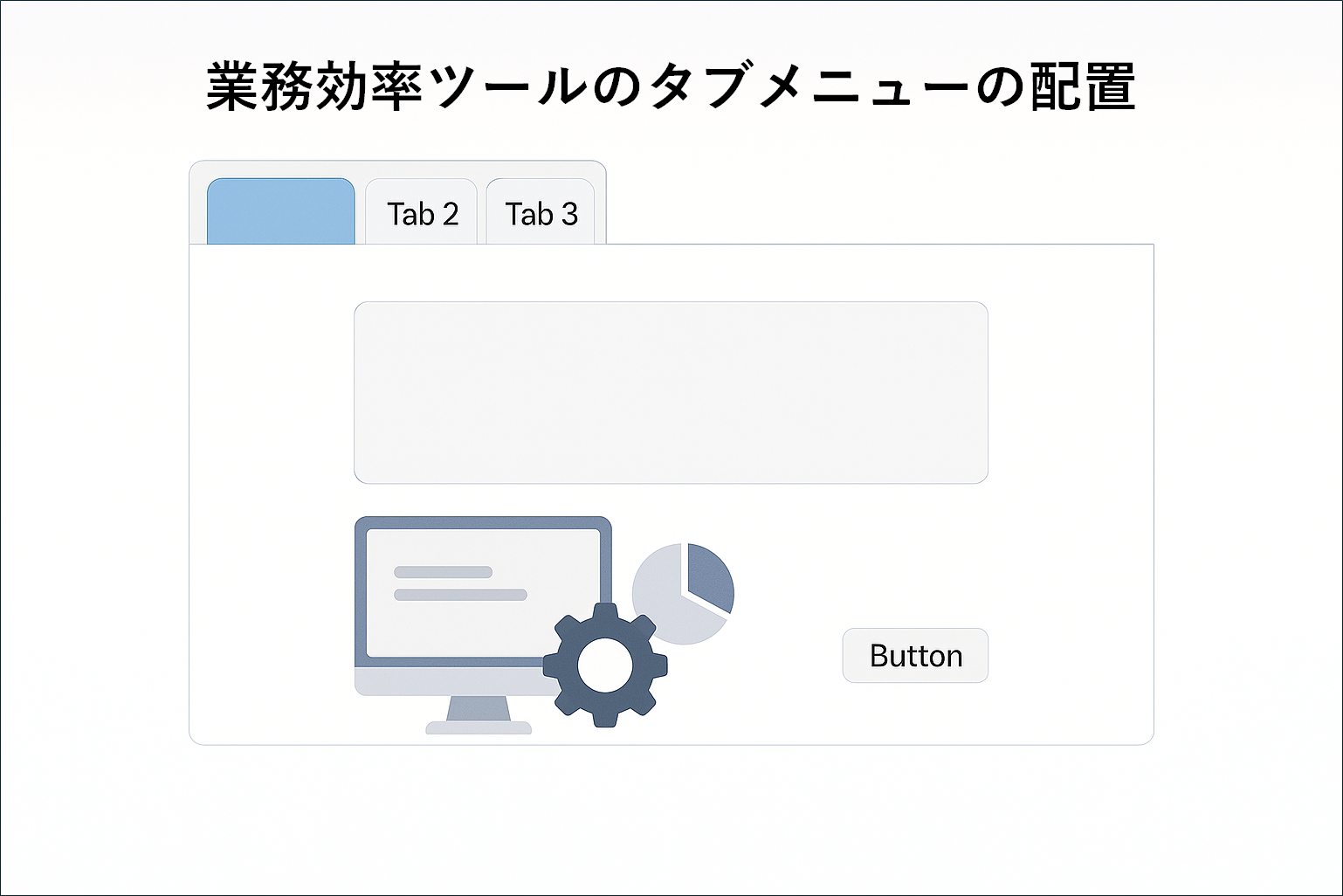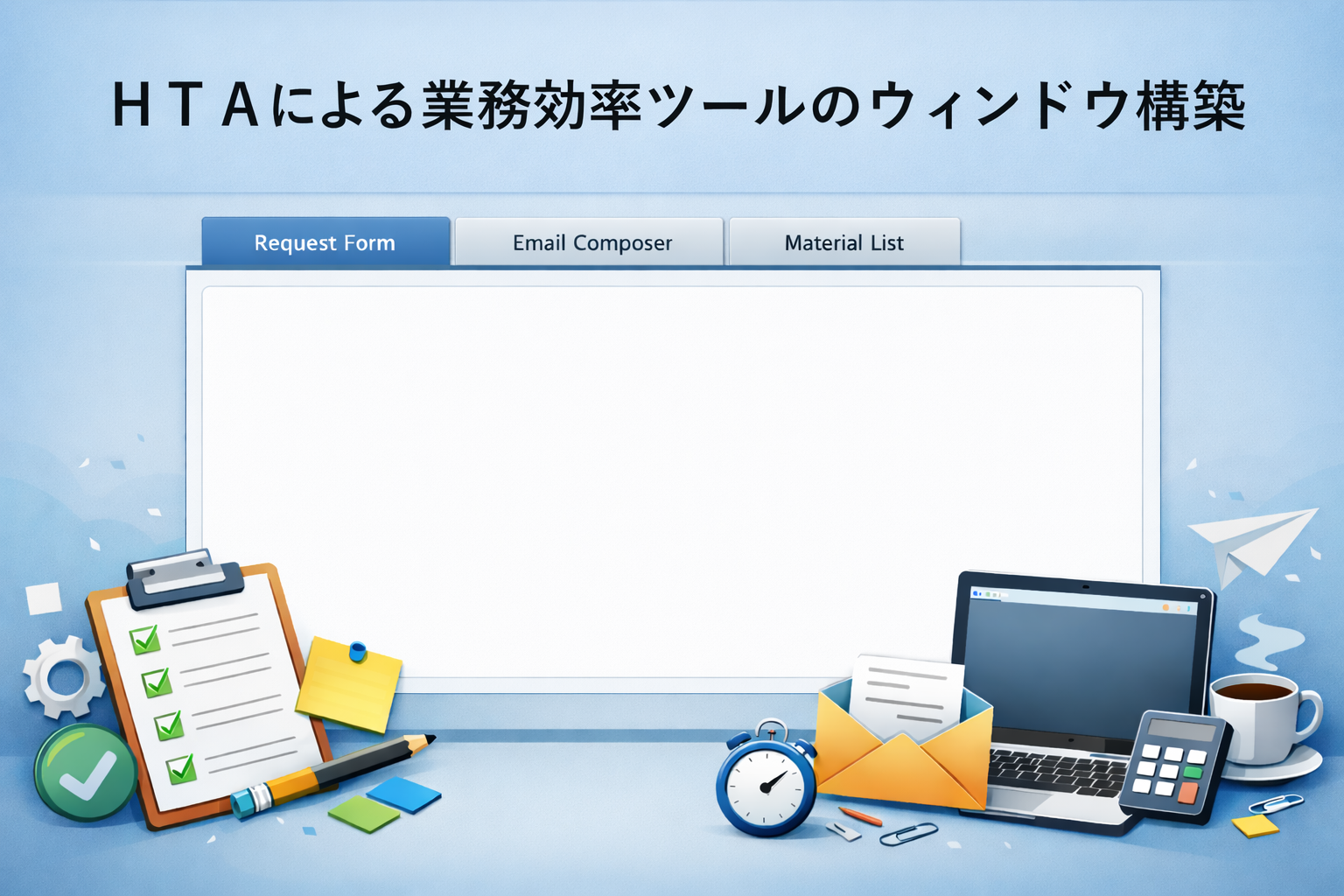
これまで作っていた機能のデザインをバージョンアップするため、最初のウィンドウの見直しの改善を行いました。そのため、タブメニュー以外の機能はございません。
またウィンドウのサイズを確認するためのポップアップを付けておりますが、不要であれば削除してください。
要件としては以下でございいます。
1.ウインドウ横幅は「954px」で縦幅が「986px」でサイズを固定してください。
2.ウィンドウの中でタブメニューを入れてください。カーソルが当たったら色を変化化せてください。
3.タブは3つで、タブメニューの名前は「環境変更申請書」、「メール作成」、「持ち込み資材」にしてください。
4.タブメニューは縦に絶対に並べないでください。横並びを必須としてください
5.タブのメニューは縦配置じゃなく横配置でお願いします。
6.各タブをクリックしたらタブの下の枠にタブの名前と同じ文字を表示させてください
7.カーソルが矢印でなくて指マークに代わってください。
8.タイトルタグは作業効率ツールにしてください。
9.ウィンドウ直後に中央に表示されること
<!DOCTYPE html>
<html>
	<head>
		<meta http-equiv="X-UA-Compatible" content="IE=9" />
		<title>作業効率ツール</title>

		<HTA:APPLICATION
		  APPLICATIONNAME="作業効率ツール"
		  BORDER="thin"
		  BORDERSTYLE="normal"
		  CAPTION="yes"
		  SHOWINTASKBAR="yes"
		  SINGLEINSTANCE="yes"
		  SYSMENU="yes"
		  WINDOWSTATE="normal"
		  SCROLL="no"
		  MAXIMIZEBUTTON="no"
		  MINIMIZEBUTTON="yes"
		  RESIZE="no"
		  WIDTH="954"
		  HEIGHT="1000"
		/>

		<style>
			body {
			    margin: 0;
			    font-family: Meiryo, sans-serif;
			}

			/* 横並びタブメニュー(※触らない) */
			.tab-menu {
			    display: flex;
			    flex-direction: row;
			    flex-wrap: nowrap;
			    white-space: nowrap;
			    background-color: #f0f0f0;
			    border-bottom: 2px solid #ccc;
			    overflow-x: auto;
			}

			.tab {
			    display: inline-block;
			    padding: 12px 25px;
			    cursor: pointer;
			    border-right: 1px solid #ccc;
			}

			.tab:hover {
			    background-color: #d0e4ff;
			}

			.content-area {
			    padding: 20px;
			    font-size: 20px;
			    border: 1px solid #ccc;
			    height: 920px;
			}

			/* タブ表示制御(追加) */
			.tab-content {
			    display: none;
			}

			#tab1:checked ~ .content-area .tab1 {
			    display: block;
			}

			#tab2:checked ~ .content-area .tab2 {
			    display: block;
			}

			#tab3:checked ~ .content-area .tab3 {
			    display: block;
			}

			/* 選択中タブの見た目(任意・処理影響なし) */
			#tab1:checked + input + input ~ .tab-menu label[for="tab1"],
			#tab2:checked ~ .tab-menu label[for="tab2"],
			#tab3:checked ~ .tab-menu label[for="tab3"] {
			    background-color: #d0e4ff;
			}

			h2 {
			    text-align: center;
			    margin-bottom: 15px;
			}

			table {
			    border-collapse: collapse;
			    width: 900px;
			}

			th, td {
			    border: 1px solid #000;
			    padding: 4px;
			}

			input[type="text"] {
			    width: 95%;
			    height: 25px;
			    padding-top: 5px;
			}

		</style>

		<script language="VBScript">
			Sub window_onload
				' ウインドウ外形を強制固定
				window.resizeTo 954, 986

				Dim w, h
				w = document.body.clientWidth
				h = document.body.clientHeight

			    	' オプション:画面中央に配置(HTA対応)
			    	Dim screenX, screenY
			    	screenX = (window.screen.Width - 954) / 2
			    	screenY = (window.screen.Height - 1050) / 2
			    	window.moveTo screenX, screenY

			    MsgBox "現在の表示サイズ:" & vbCrLf & _
			           "横幅: " & w & " px" & vbCrLf & _
			           "縦幅: " & h & " px", _
			           vbInformation, "サイズ確認"

			End Sub
		</script>

	</head>

	<body>
	<!-- タブ制御用(追加) -->
	<input type="radio" name="tabsel" id="tab1" checked hidden>
	<input type="radio" name="tabsel" id="tab2" hidden>
	<input type="radio" name="tabsel" id="tab3" hidden>


	<div class="tab-menu">
	    <label class="tab" for="tab1">環境変更申請書</label>
	    <label class="tab" for="tab2">メール作成</label>
	    <label class="tab" for="tab3">持ち込み資材</label>
	</div>

	<div class="content-area">
	    <div class="tab-content tab1">環境変更申請書</div>
	    <div class="tab-content tab2">メール作成</div>
	    <div class="tab-content tab3">持ち込み資材</div>
	</div>


	</body>
</html>